Designed
UI/UX
Developed
Swift
Launched
Under 5 months
How we built a simple way for field crews to find, connect to, and update FLT’s fleet of solar-powered lighting fixtures.
Striving for Simple
FLT has spent more than fifteen years on a single promise: solar lights that just work. No trenching, no wiring, no grid, no nights in the dark. With more than 50,000 fixtures installed across 22 countries, they’ve built a reputation on systems that are self-contained, infrastructure-free, and dependable from day one. Their lights arrive pre-configured and install in minutes.
When FLT developed a new line of Bluetooth-enabled fixtures, the companion mobile app would inherit that same promise. Anything clunky or fragile in the software would undercut the very thing their hardware was known for. Users don’t separate the two experiences: a weak app is a weak product. So FLT needed a solid iOS app that field crews could use to discover, configure, and update lights on-site, in noisy RF environments, without a laptop, and without things going wrong in ways that would be hard to recover from.
Getting the Foundation Right
BLE connections are assumed to be simple but they’re not. Nearby interference affects signal quality. Connections drop. Firmware updates, if interrupted or mishandled, can leave a device in a broken state. So before focusing on any user-facing features, the first order of business was to create a reliable BLE connection layer.
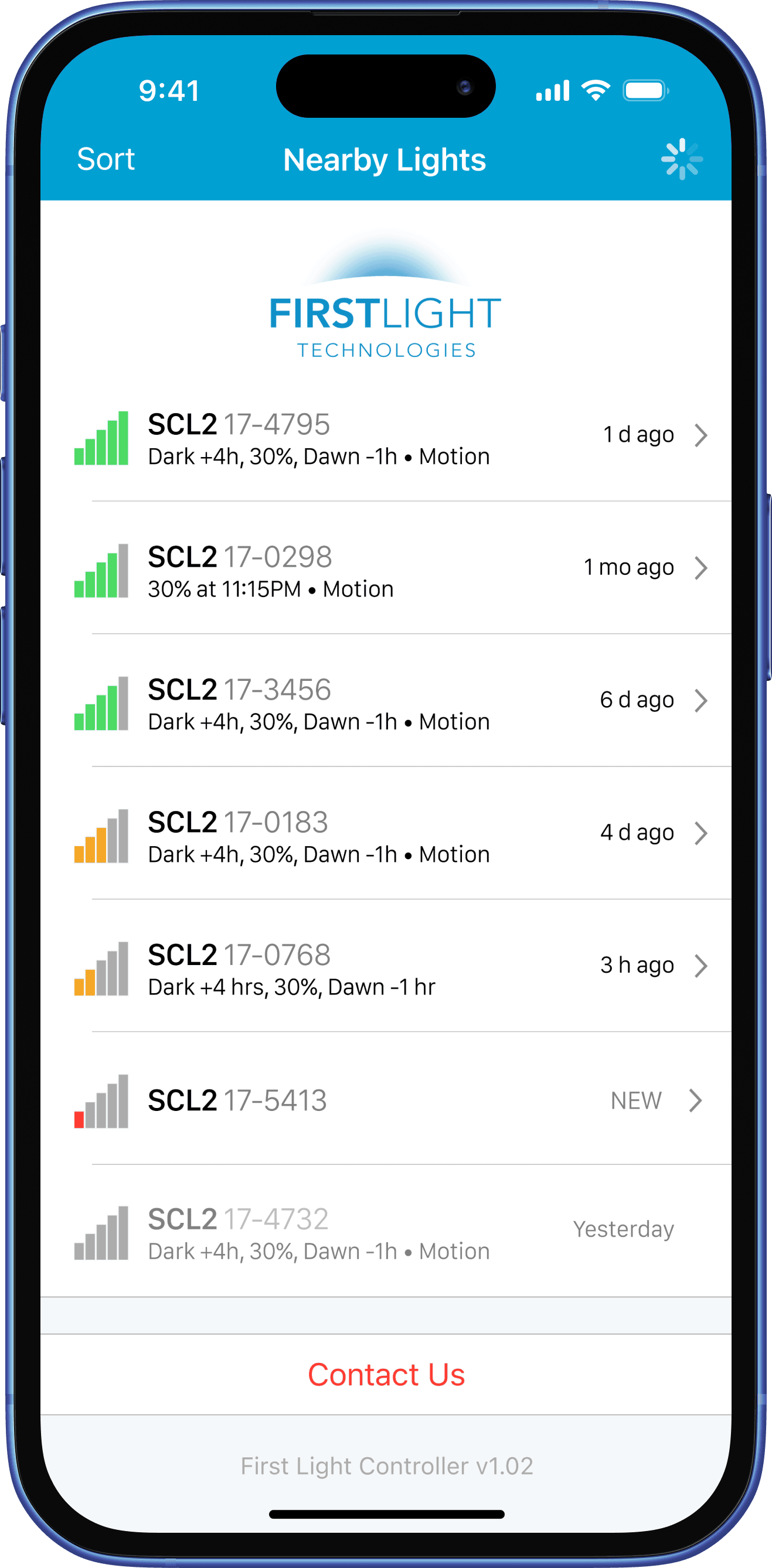
Steamclock built this foundation on Bluejay, our own open-source Swift framework for BLE apps. Having a proven base for low-level communication meant the team could focus on what was specific to FLT’s setup: separate communication paths between the app, the main lighting firmware, and the bootloader module, each with its own protocol considerations. Devices are sorted by signal strength so installers connect to the right light quickly, and the app handles timeouts, retries, and disconnects without requiring intervention.
Building, Step-by-Step
We next turned our attention to OTA firmware updates, which were the trickiest part of the project. Getting this right meant building a packetized update protocol with verification at each step, handling edge cases specific to FLT’s bootloader, and ensuring the app could automatically restore a working lighting profile if something went wrong mid-update. The goal was to build a process crews could trust without needing to think much about it, and our team prioritized this work early to surface any surprises as quickly as possible.
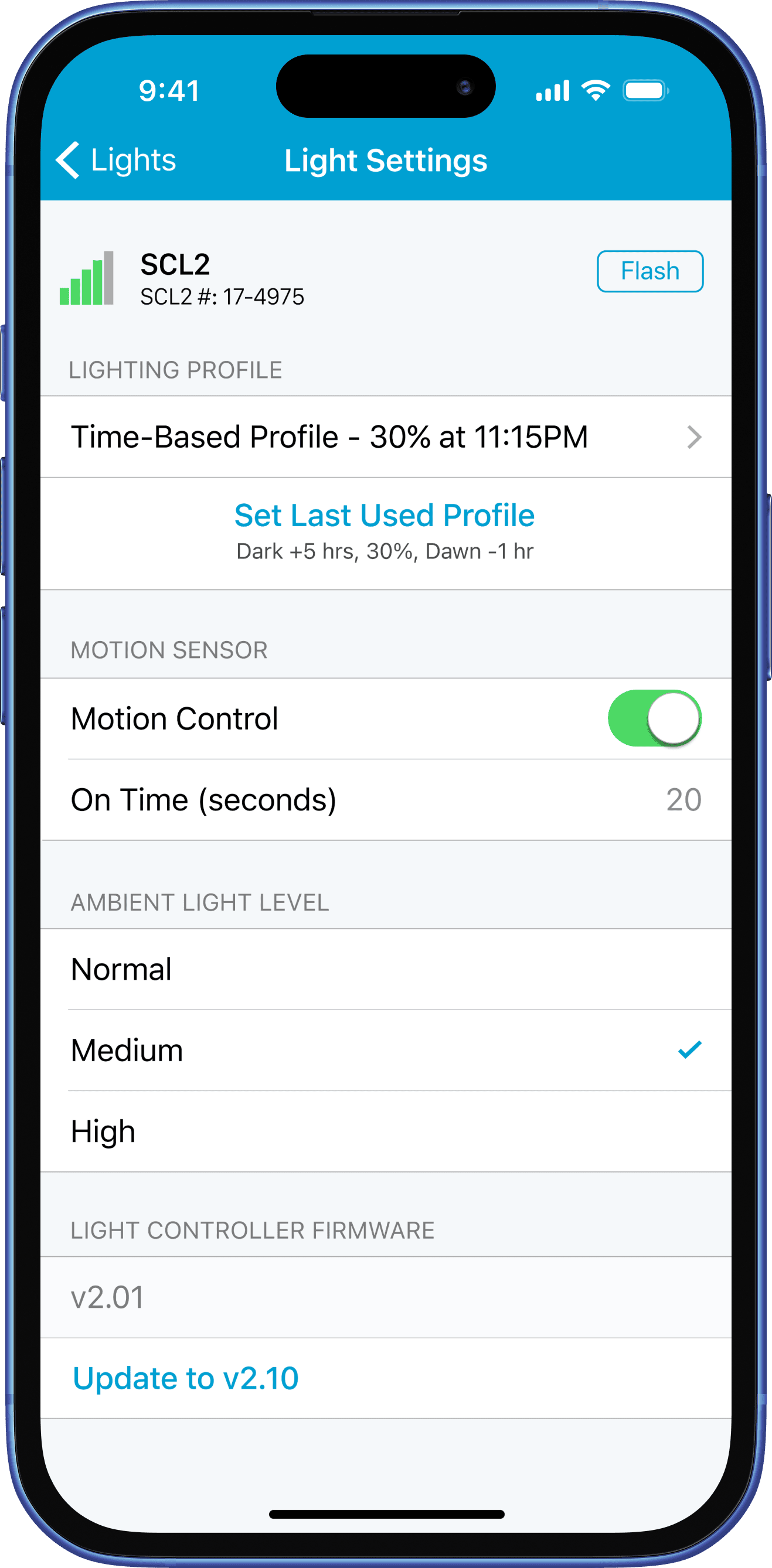
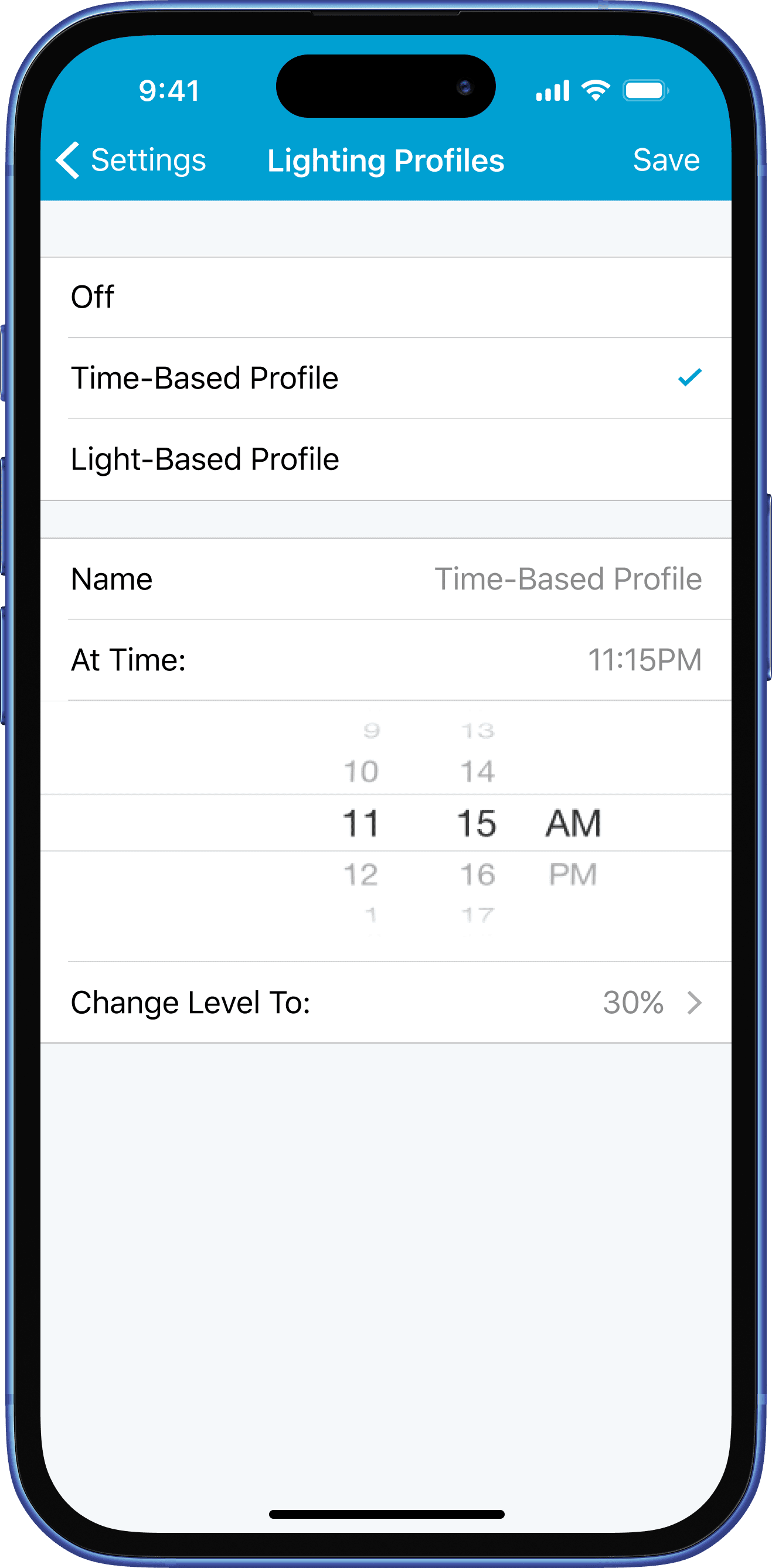
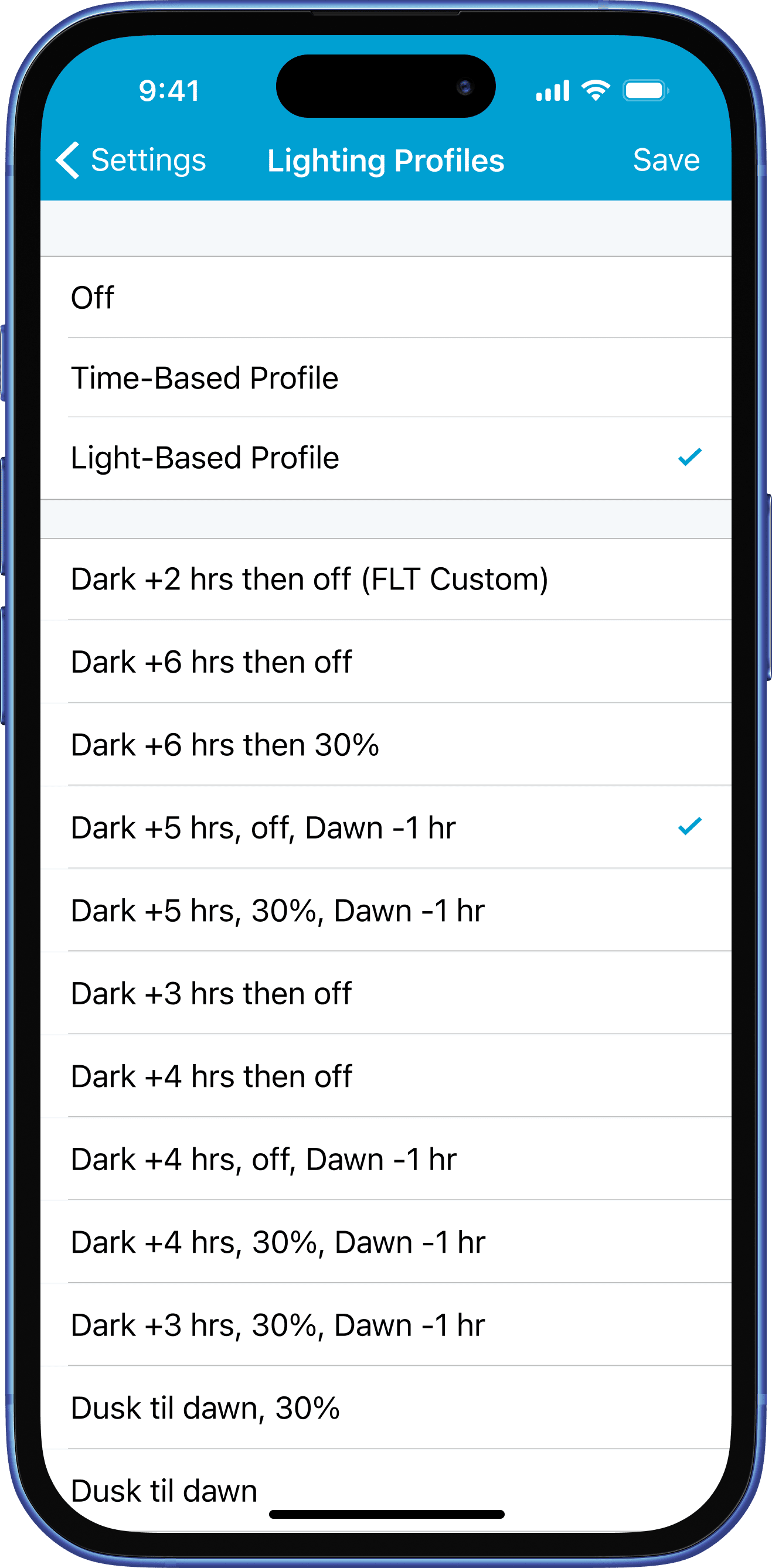
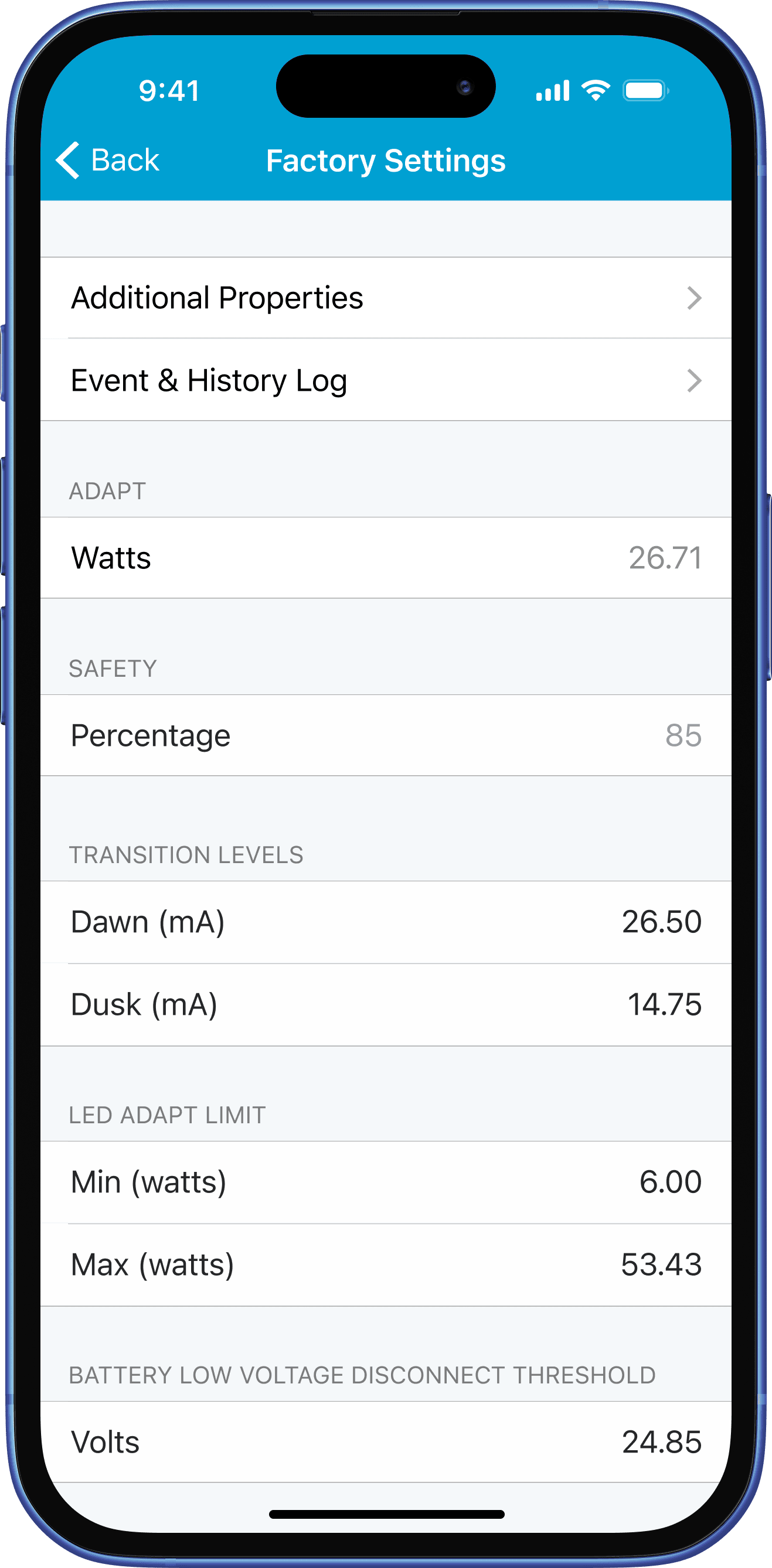
Then, with the connection and update infrastructure solid, the team built out the rest of the app around what crews need most in the field: device settings, lighting profile editors, diagnostics, and a support flow that packages device state and event logs for FLT’s support team. Profile editors support preset and time-based configurations, with a shortcut to reapply the last profile used. Error states and edge cases got the same design attention as the happy path, because for a crew standing next to a fixture in a park, those aren’t edge cases.
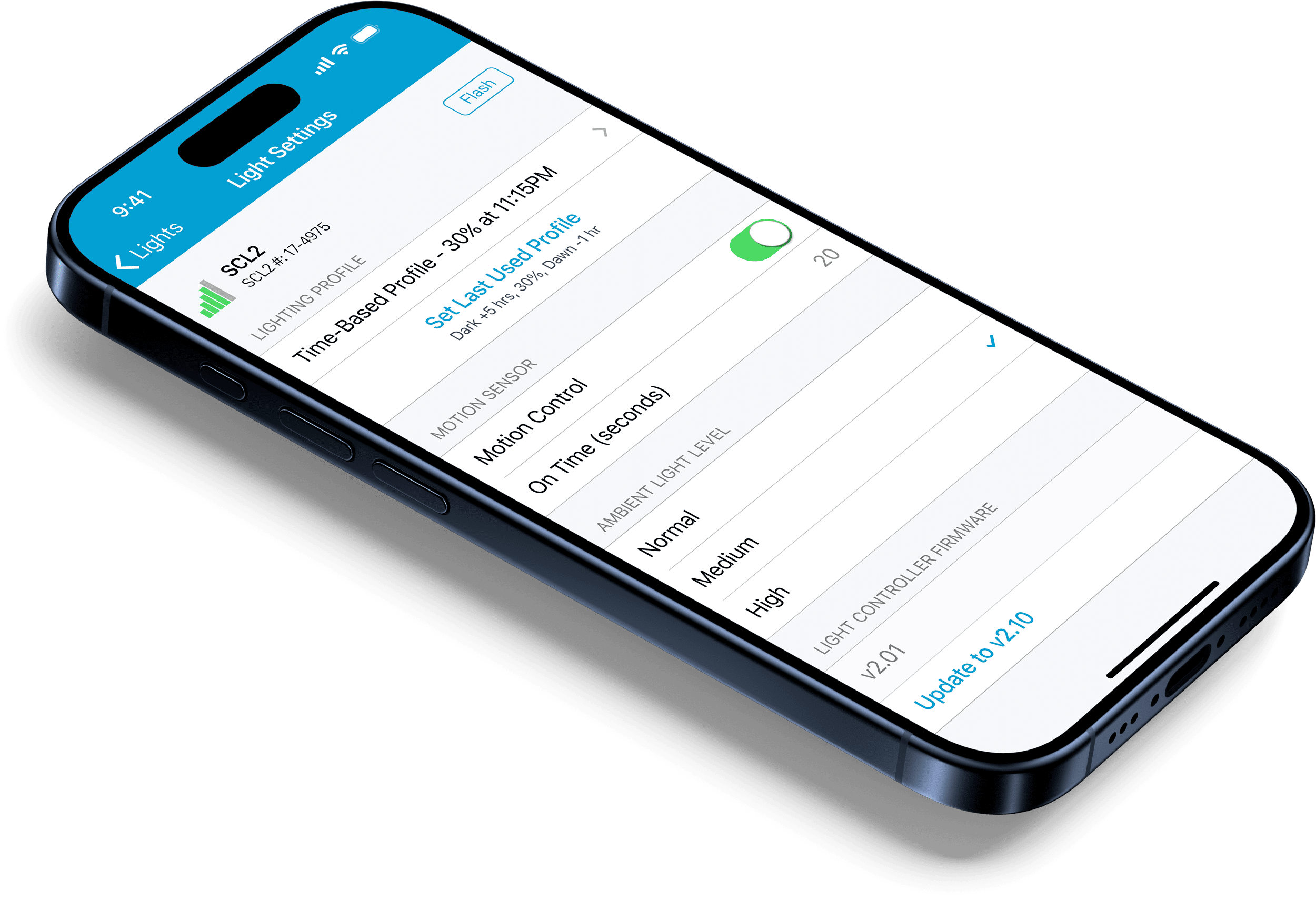
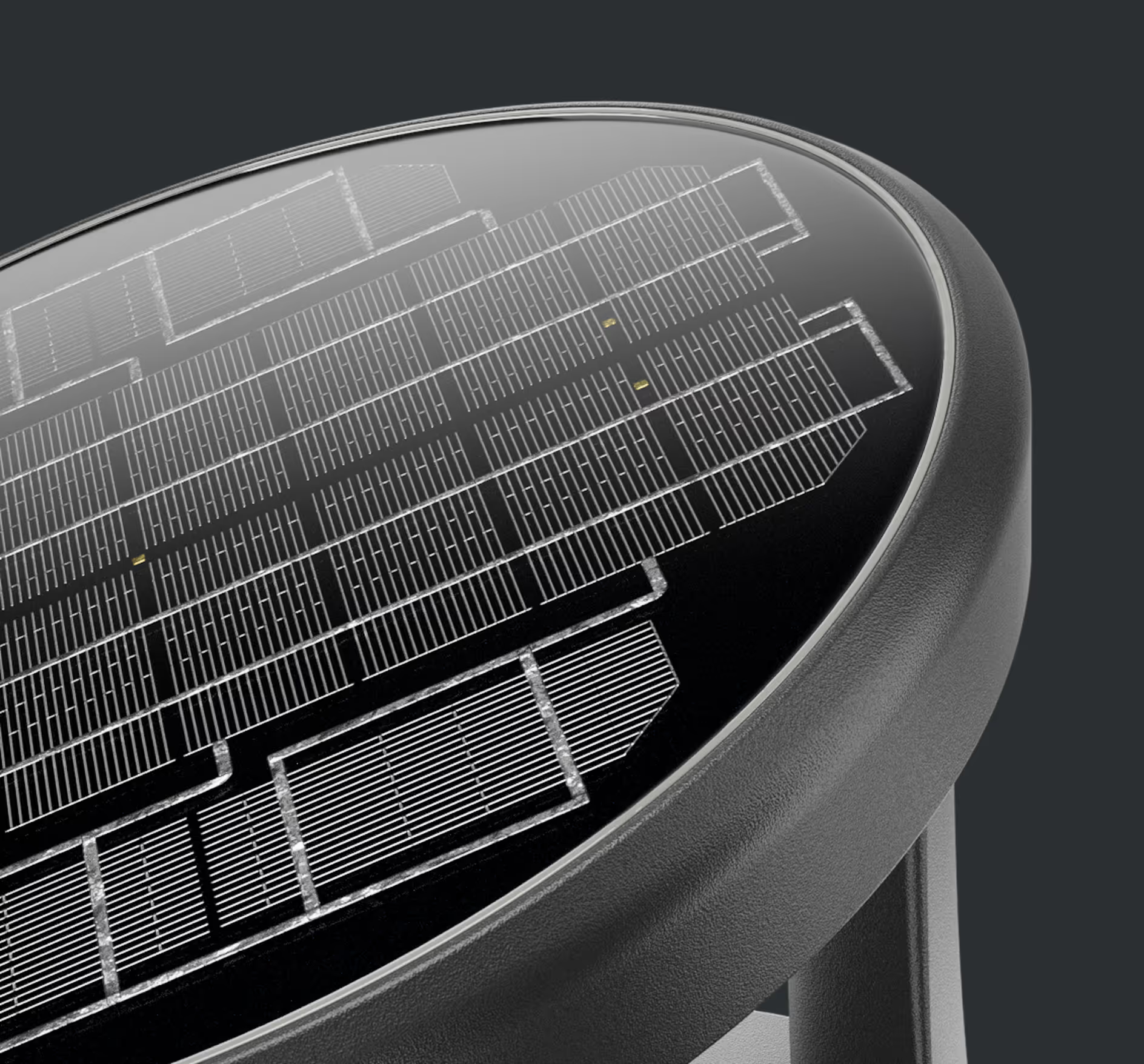 Image by FLT
The Long View
Taking the app from 0 → 1 was where the relationship started. Steamclock continued to work with FLT for over five years, extending the app across multiple firmware generations and an expanding line of fixtures. Motion-sensing controls, support for new hardware models, and steady improvements to Bluetooth connection handling all followed as real-world deployments surfaced new challenges. The foundation built early held up as those demands grew.
The Result
Installers and field crews can configure and update fixtures on-site with a process designed to be fast, recoverable, and low-stress. And FLT’s pitch to their customers remains the same: complexity should be invisible.
That’s a hard standard to meet in both hardware and software, but it’s the right one to aim for.